
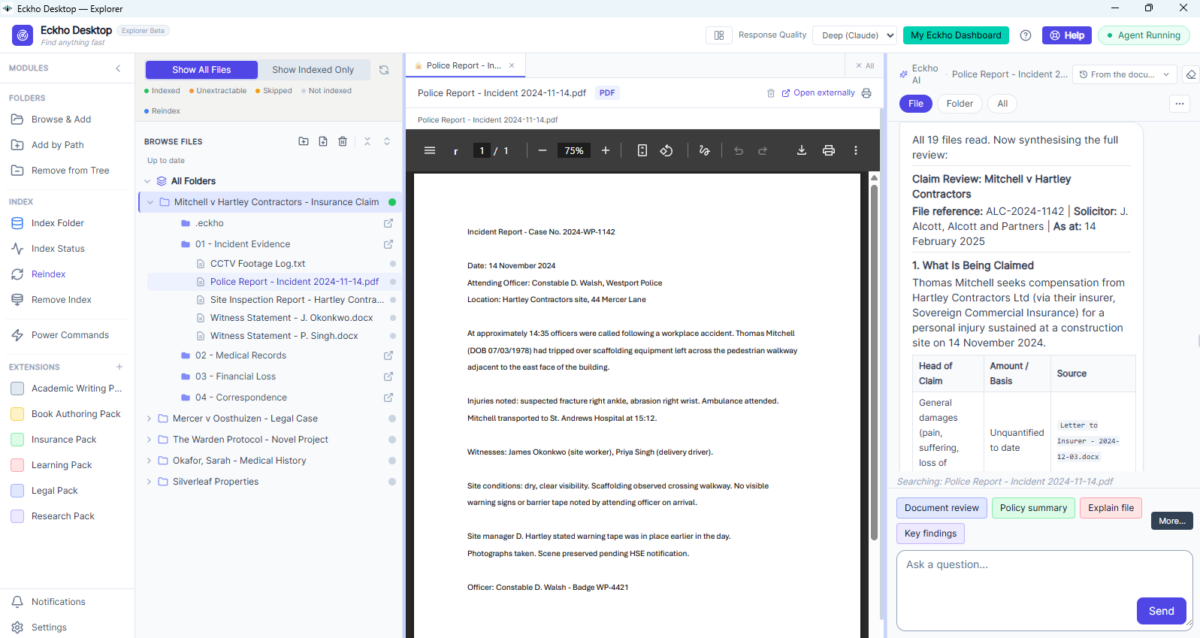
AI that works on your real files and folders — directly on your desktop.
- One App, Any Specialist Tool: Eckho is a file explorer with AI built in — click a button and it becomes a legal assistant, a research analyst, a manuscript editor, or a study tool.
- Works on Your Real Files: Point it at any folder on your own machine and it works directly on the files you already have — nothing uploaded, nothing downloaded.
- Nothing Changes Without Approval: Every proposed edit or new file is yours to accept or reject first.
Powered by expert-built commands and extension packs — more on that on the Eckho Desktop page.
Build a knowledge bot from your own content and share it with staff, clients, or anyone.
- Custom Persona: "Give your bot a name and personality that fits your brand."
- Create an App: "Turn that bot into a shareable web app."
- 24/7 Access: "Your staff or clients talk to it. It answers using your information."

When Files and Folders Grow Beyond What One Person Can Manage
Most daily business work lives in folders on a machine. When that grows into hundreds of files across legal cases, insurance records, research projects, or client portfolios — Eckho Desktop becomes the AI assistant sitting inside that folder structure with you.
Legal & CaseWork
Stop drowning in evidence. Ask Eckho what is missing, find contradictions between documents, and build a case-ready file without reading everything yourself.
Medical & Health Records
Track a patient's history across dozens of reports. Spot gaps and contradictions. Get clear summaries of what happened and when.
Research & Creative Projects
Manage the source files for your thesis, the World Bible for your novel, or the reference library for any complex creative project.
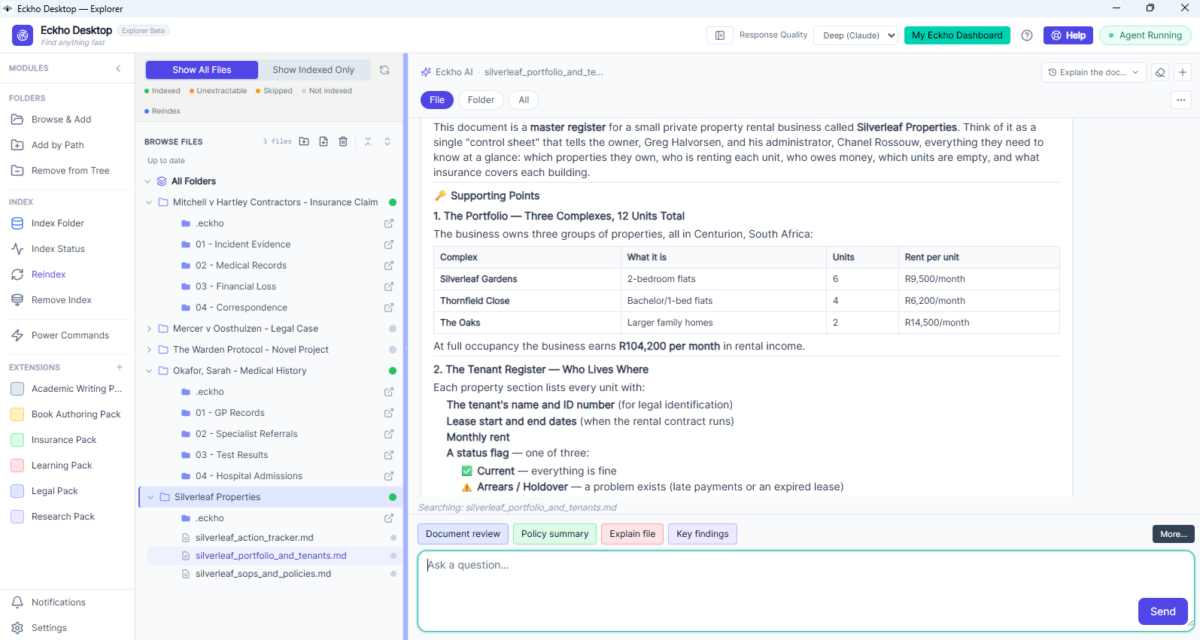
Your Files. Your Computer. Total Privacy.
Eckho Desktop reads your files directly on your machine. Nothing is uploaded. Nothing is shared. Your data does not train any AI model. Your files stay exactly where they are.
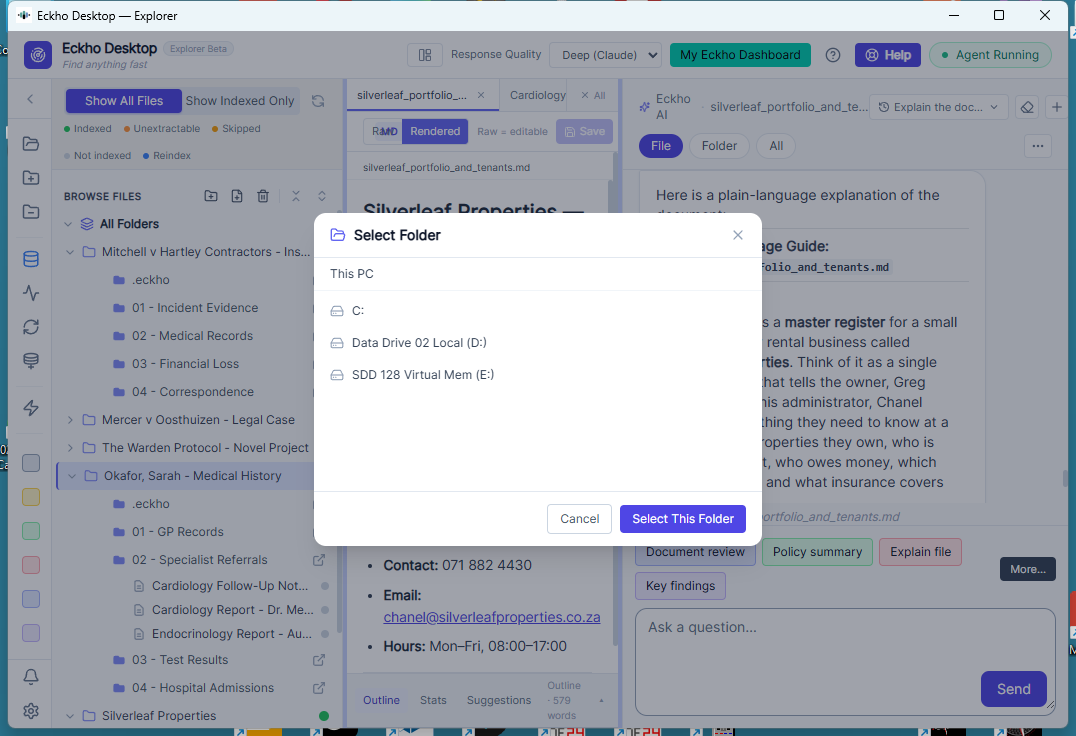
Talk to It, or Click a Button That Already Knows the Right Words
You can always just type in plain English — nothing at Eckho is locked behind a command. The buttons exist because most people don't want to figure out the perfect prompt every time. A button isn't a limitation — it's someone else's expertise, already solved, ready for you to click.
Local-First AI
Your files never leave your computer.
A structural advantage cloud AI tools can't claim — critical when confidentiality matters.
One Platform, Every Pack a New Tool
One platform. Every pack turns it into a different tool.
Replaces a drawer full of subscriptions — legal AI, research tool, study tool, and more, all in one app.
Command-Driven, Not Prompt-Driven
Pick a command, not a prompt.
Solves the #1 adoption barrier — you don't need to know what to ask an AI.
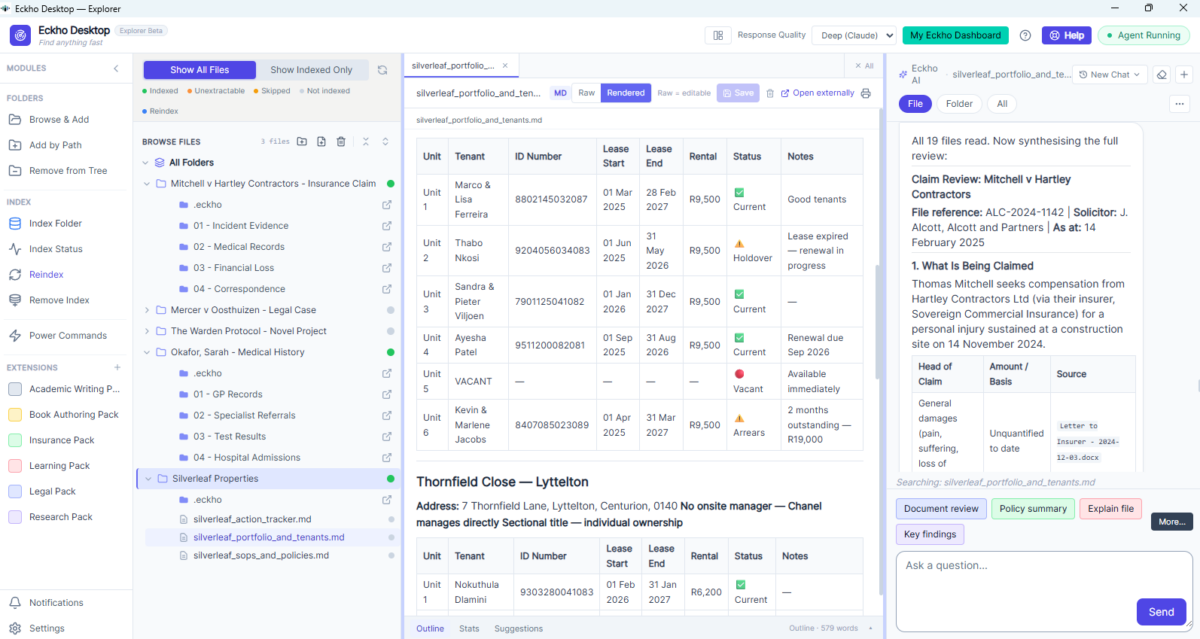
Turn Your AI Desktop Into an Industry Specialist
Extension packs add ready-made tasks for a field of work. Switch a pack on and its commands appear as buttons and menu options — click one, and Eckho does the work on your own files. No prompt writing needed. New packs are added over time.
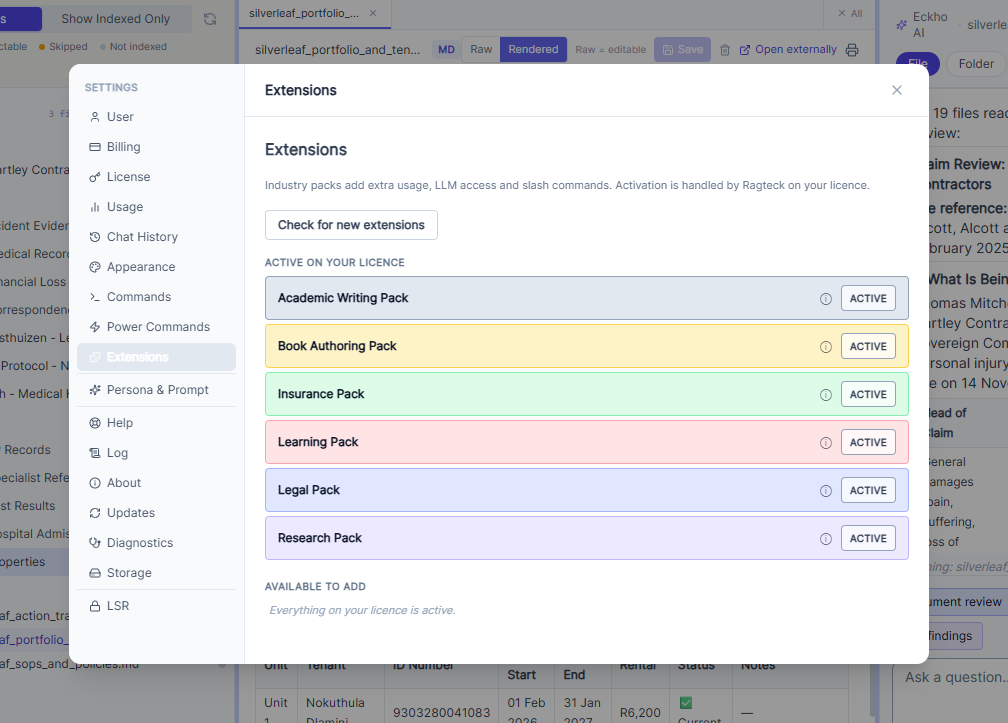 1
Switch on the packs you need
Choose your packs in Settings. Each one adds a set of specialist commands to Eckho Desktop.
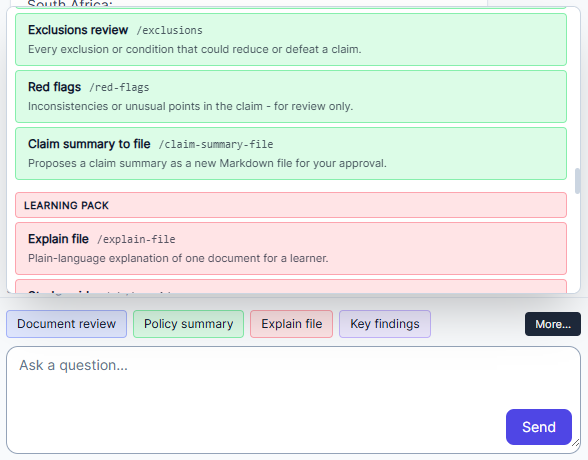 2
Click a pack, pick a task
Each pack opens a menu of common tasks for that field — ready to run on the files you choose.
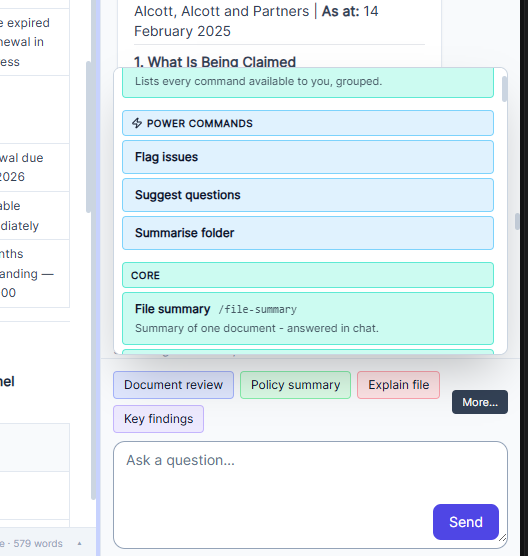 3
More commands, one menu away
Browse every command from your active packs in one place, and click to run it.
Every plan includes packs — from 1 on the free trial to all packs on Team and Business. See pricing
From Case Files to Team Knowledge — Eckho Handles It
Three of the most common high-volume problems Eckho solves.
CaseWork
Stop drowning in evidence. Let Eckho help you build a case-ready file — find what is missing, surface contradictions, and get clean summaries.
See examples →Training & SOPs
Turn your office manuals into a bot that actually helps your team find answers. Available 24/7. Always up to date with what you add.
See examples →Creative Labs
Manage the World Bible for your novel or the research for your thesis — all in one searchable, queryable place.
See examples →Your Files on Your Machine. One Platform for Every Specialist Tool You Need.
Use Eckho Desktop to work privately with your local files. Use Eckho Bots to share your knowledge with the world. Or use both.